
How to create a shortcode
- On the left navigation menu choose “WOO PRODUCT SHORTCODES (PREMIUM)” and then “SHORTCODE GENERATOR”

OR
Open the plugin dashboard and click the “SHORTCODE GENERATOR” tab
- In the first dropdown, select the product you want to create the shortcode for

- In the second dropdown, select the data attribute you want

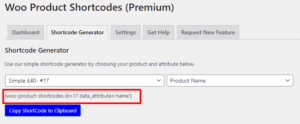
- The shortcode will be generated for you automatically
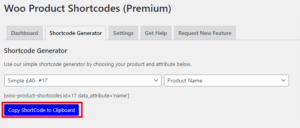
- Click the button “COPY SHORTCODE TO CLIPBOARD” to copy it to your clipboard
- Now you have your shortcode, you can proceed to add it to any page, post, widget or anywhere there is a text field.