Adding shortcode to a Post
- Firstly, create the required short code using the short code generator. and copy this to your clipboard
- On the left menu, navigate and open to any post you want to add the shortcode into.
For this purpose, we have an existing post titled “TEST POST” where we are going to add the shortcode.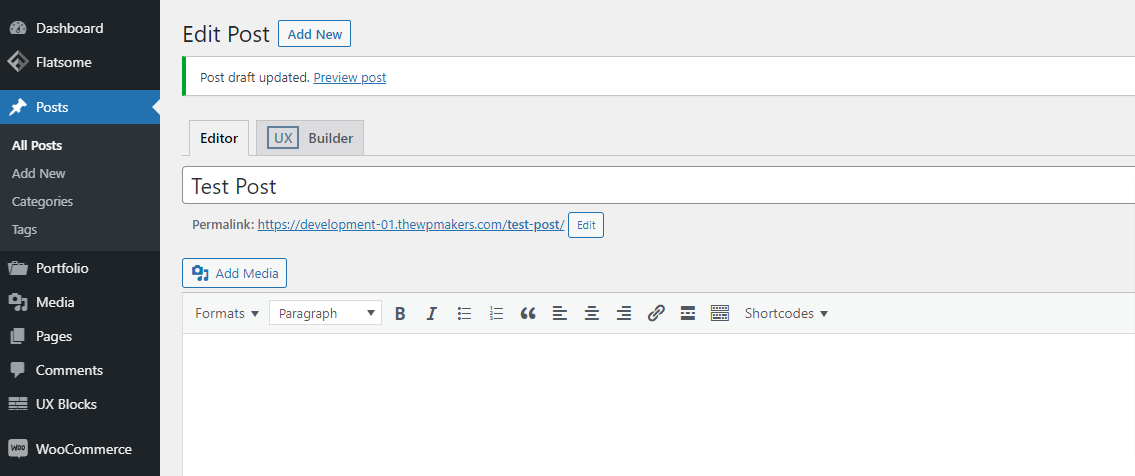
- Find the place in the specific post where you would like to insert the shortcode then paste from your clipboard

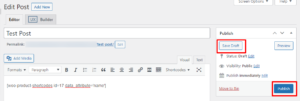
- Save the draft or Publish the post
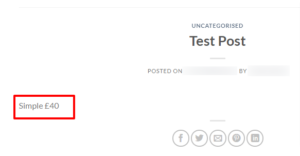
- On the front end WordPress site, locate your post to check the shortcode has worked.
For our documentation, the post can be seen showing the shortcode for the product name using the example shortcode above.