
Request a new feature
- On the left navigation menu choose “WOO CUSTOMER HISTORY (PREMIUM)” and then “REQUEST A FEATURE”
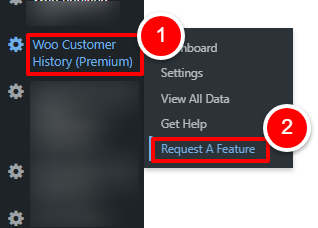
OR
Open the plugin dashboard and click the “REQUEST A FEATURE” tab
- The request a feature form will load within the screen.
Populate details of any feature you would like us to look into by adding text and uploading any screenshots or designs that might be useful.
- Your personal details are automatically added to the request which are populated based on your WordPress login data.
You can change these if any details are incorrect.
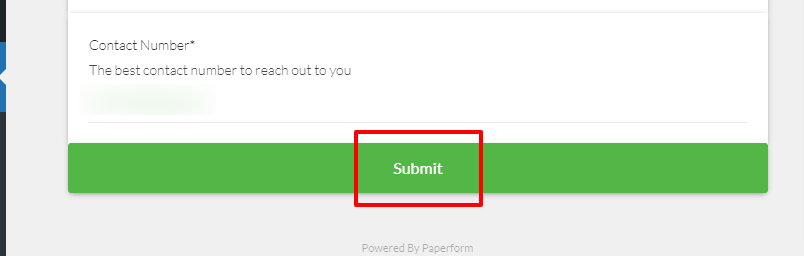
- Click “SUBMIT”
- Your request will be submitted to us.
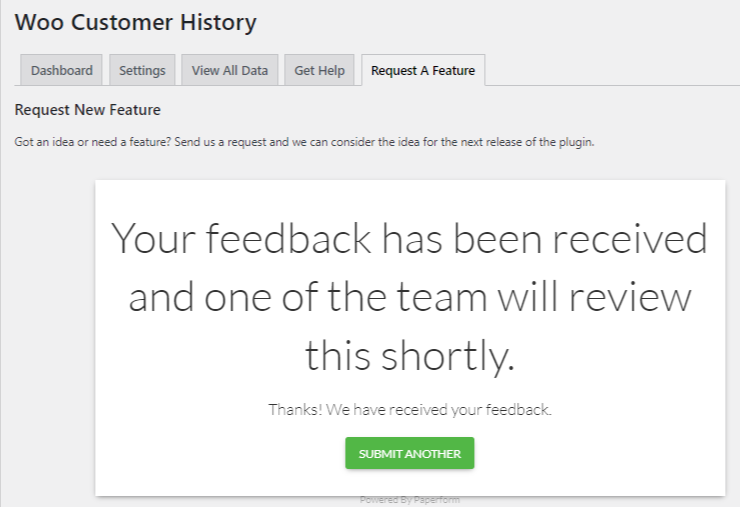
- One of the team will review the feature request and keep you posted with updates using the contact details you have added.