
How do I enter the licence key
- Locate the dashboard of the plugin
- On the dashboard page, find the section for “Plugin Licence Key, Updates & Ongoing Support”
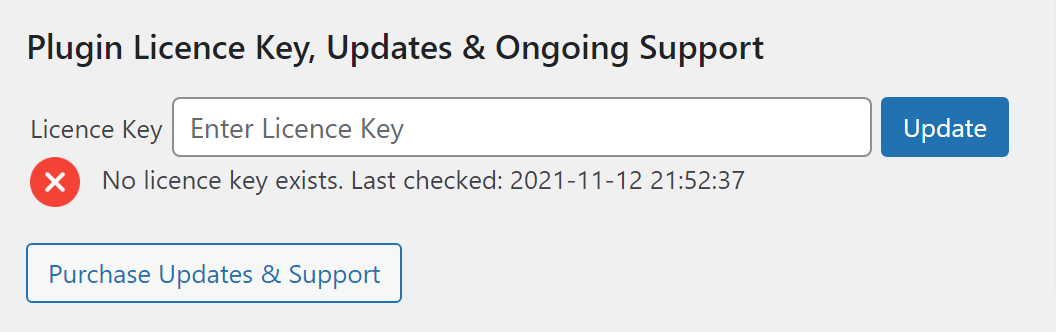
- Enter your licence key obtained from your account OR in your purchase confirmation email

- Click UPDATE
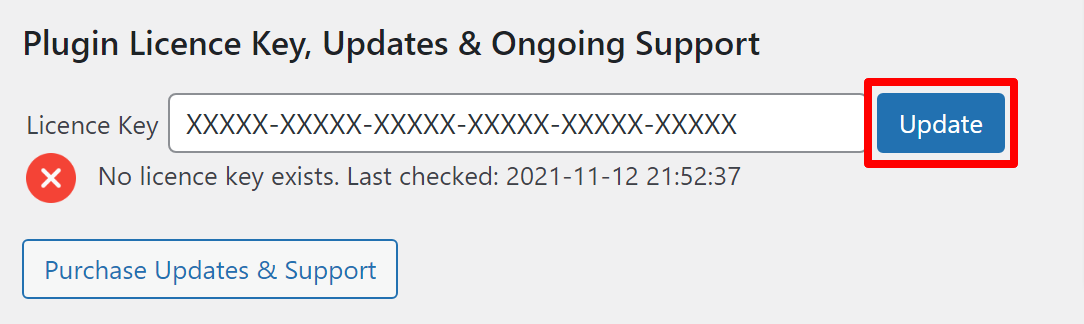
- After clicking UPDATE, the plugin will verify the licence key is valid and active.
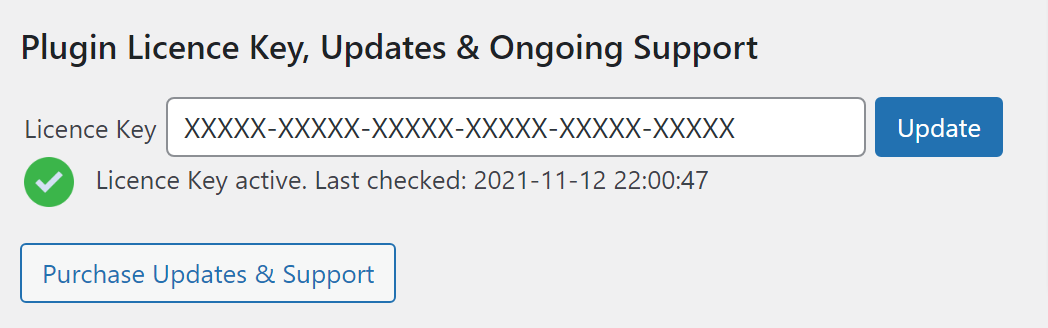
- Your licence is now active and eligible to receive plugin updates and for premium support with us.