How to Un-install
- Download the ZIP file (plugin file) from your dashboard here
- Login to the backend of your WordPress website
- Hover over “PLUGINS” on the left navigation menu, and click on “INSTALLED PLUGINS”

- Find the plugin in the list and click the “DEACTIVATE” button underneath the name

- The upload will now start and the page will load. Once complete, you should see “Plugin deactivated”.
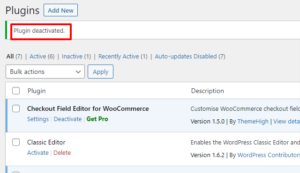
- To delete the plugin, click the “DELETE” button under the plugin name

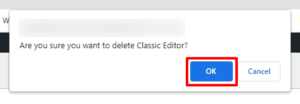
- A popup in your browser may appear requesting confirmation. Click “OK”
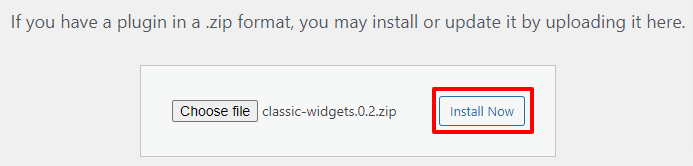
- Now you are ready to install. Click the “INSTALL NOW” button
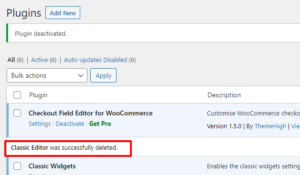
- The deletion will now start and the plugin row will change. Once complete, you should see “XXX was successfully deleted.”.