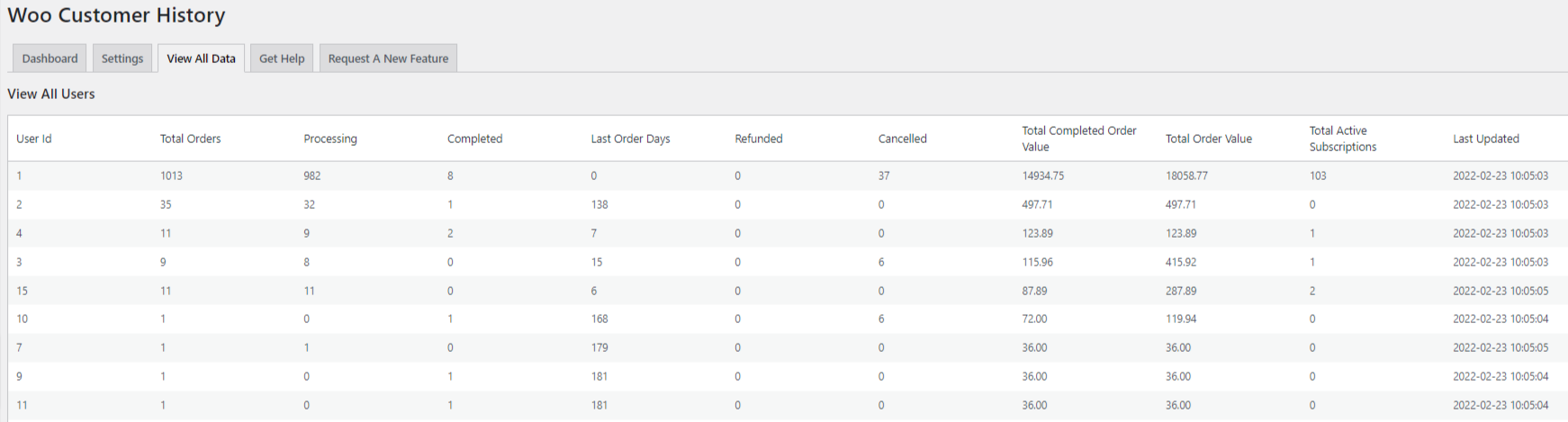
View All KPI Data
See an overall view of key performance indicator data by customer to see your top spenders, most loyal customers and more..
- On the left navigation menu choose “WOO CUSTOMER HISTORY (PREMIUM)” and then “SETTINGS”
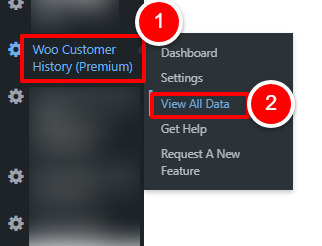
OR
Open the plugin dashboard and click the “SETTINGS” tab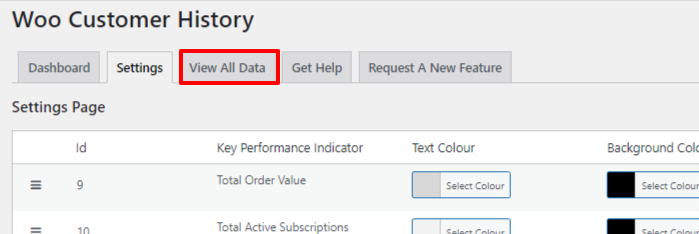
- A list of results for every customer is shown together with their KPI data. Simply sort the data to find a particular data set you need.